Each account, its own space
Keep work, personal, and client accounts together without mixing their credentials or cached results.
For iPhone and iPad
Your Claude Code, Codex, and supported API accounts, together. Check your limits, glance at a widget, and know when it’s time to come back.
Free in version 1.1. The update is not yet available. The App Store currently offers version 1.0, which requires a subscription for refreshes, widgets, and reset alerts. About the transition.
No Usage Overview account.
Your credentials and saved usage stay on your devices.

One view. Your accounts.

A little less checking
A clear view of each account, from the current usage window to the next reset.
Keep work, personal, and client accounts together without mixing their credentials or cached results.
See your usage on the Home or Lock Screen. Open the app whenever you need a fresh reading.
Optional reset alerts let you know when a heavily used limit is ready again.
Version 1.1 shows provider-issued extra resets where supported, with separate full and five-hour counts and the earliest expirations first. See how reset tracking works.
Privacy
Usage Overview uses the access you provide to read the accounts you select. Your credentials and saved usage data stay on your device.
There is no Usage Overview login, cloud dashboard, or account history stored by us.
A refresh goes to the provider for that account. Credentials are stored in the iOS Keychain.
The Mac companion uses temporary QR sessions. Credentials are never printed in the interface.
Usage Companion · Free for macOS
Usage Companion checks the session already held on your Mac, explains each step before it runs, and turns the result into short-lived codes for your phone.
Get the free Mac companionOpen it when you need to pair. No background agent.
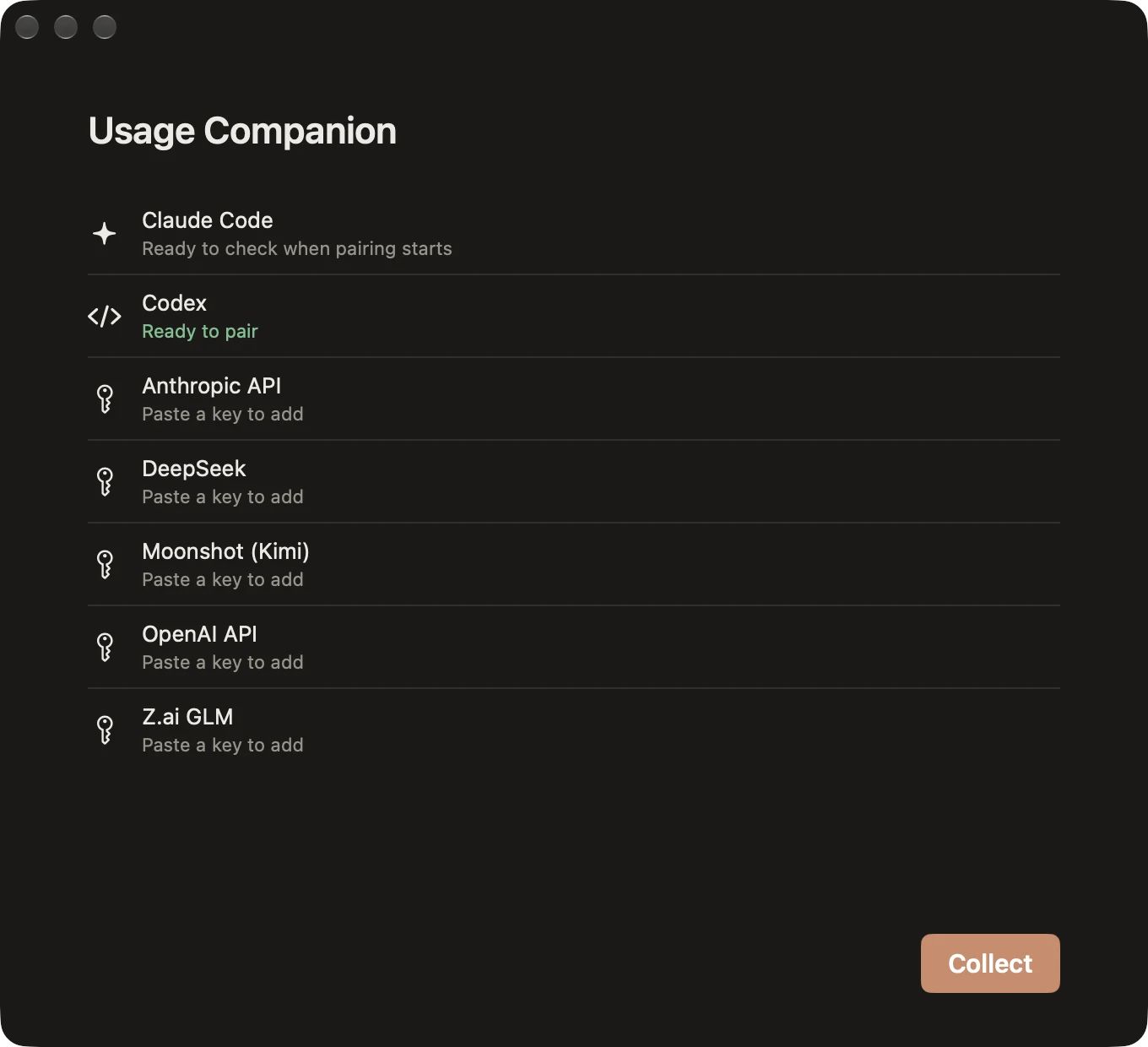
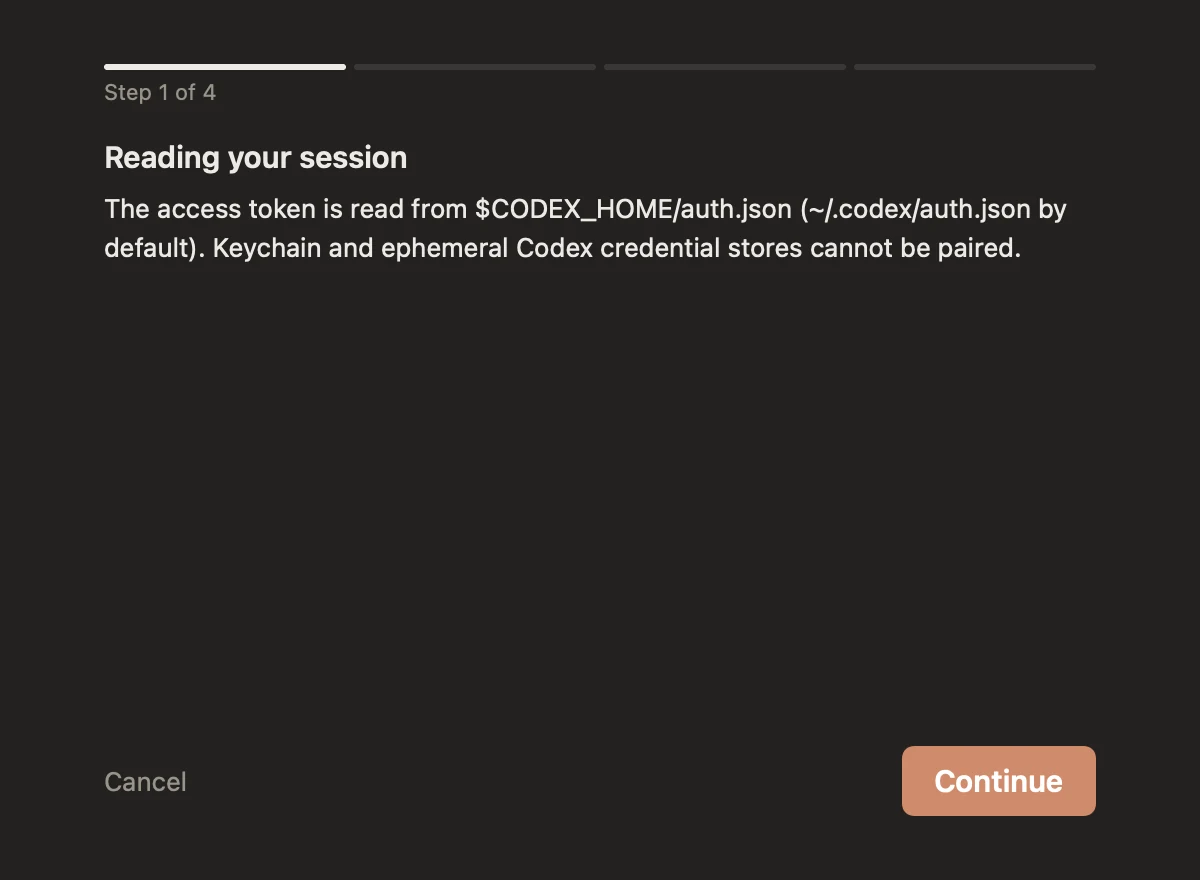
Read what Usage Companion will access before you continue. It checks that your account can read its current usage before preparing the pairing.
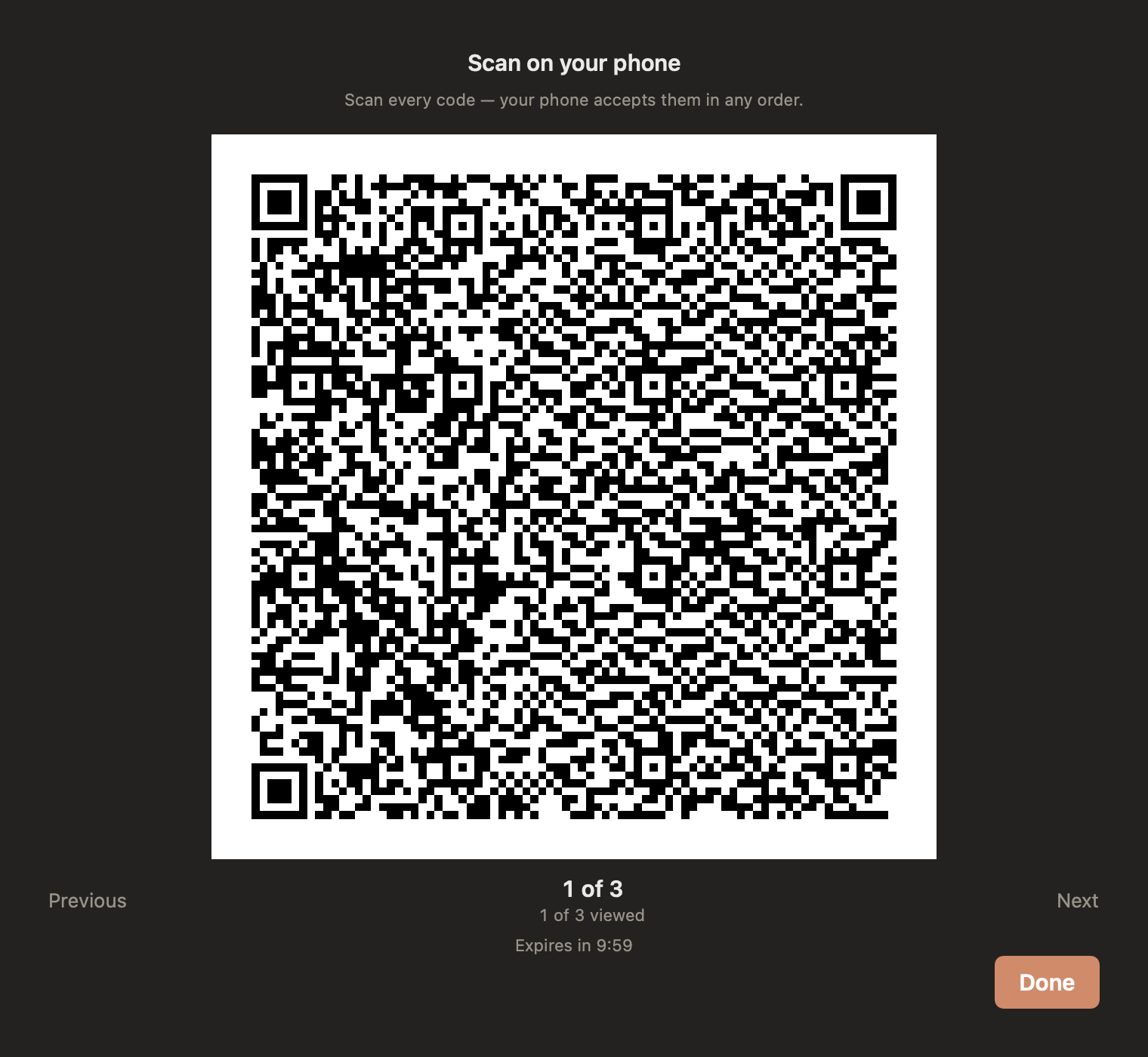
Open Usage Overview on your iPhone and scan each numbered code, in any order. The pager tracks the parts you’ve viewed and shows when the session expires. If it expires, create a new one.
Coming in version 1.1
Version 1.1 removes the subscription requirement for live refreshes, Home Screen and Lock Screen widgets, and reset alerts. Your connected accounts and settings stay in place when you update.
The update is not yet available on the App Store. If you already subscribe, updating or deleting the app does not automatically cancel your Apple subscription.
Version 1.1 and existing billing →Version 1.0 is available for iPhone and iPad; the free version 1.1 update is not yet released. Usage Companion for Mac is free and available now.